
Customer portal
Your case, in one place.
Track your impression kit and your case through the lab, view your saved 3D file, reorder from file, and reach support.
Demo: the dashboard below shows sample data. Real case data needs the portal backend.

Dashboard
Sample patient · TB-10482
Demo · sample case data
Case status
- Order placedSample date
- Impression kit shippedSample date
- Impressions receivedSample date
- Quality check passedSample date
- Dentist review (Rx)In progress
- Models poured and scannedUp next
- Thermoformed and trimmedUp next
- ShippedUp next
Steps match the lab workflow. Dates and status are samples.
Impression kit tracking
CarrierUSPS (sample)
Tracking9400 0000 0000 0000 0000 00 (sample)
Kit to youDelivered (sample)
Impressions to labReceived (sample)
Reorder from file
If your fit hasn’t changed, we remake your set from the model on file. No new impressions.
FileTB-10482 · upper + lower
StoredScanned model on file (sample)
My 3D file
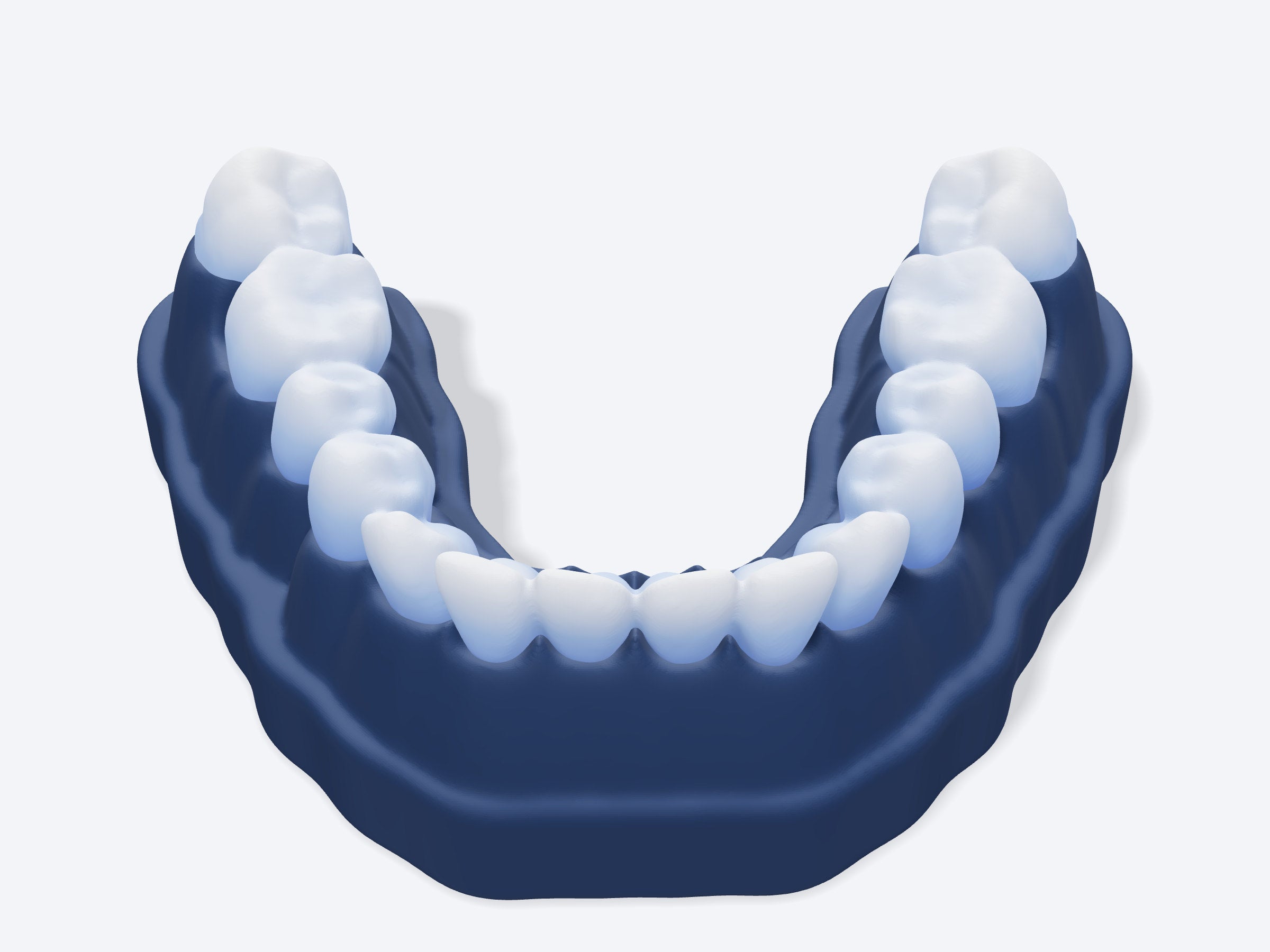 Sample file, not your scan
Order history
| Order | Date | Status | Total |
|---|---|---|---|
| #1004 | Sample | In the lab | $159 |
| #1001 | Sample | Delivered | $89 |
Support
Always know where your case is.
Every kit gets a case ID. Enter one to preview the steps your portal will show. Try TB-10482.
Demo · sample case data
- Order placed
Health answers receivedorder_placed - Kit shipped
Tracking emailedkit_shipped - Impressions received
Checked the day they arriveimpressions_received - Quality check passed
Clear and completeqc_passed - Dentist review
Where your state requires itrx_pending → rx_approved - Stone models poured
Labeled with your case IDstones_poured - Scanned to 3D
Kept on file for reordersscanned - Formed and fit-checked
Hand-trimmed on your modelthermoformed - Shipped
Tracking emailedshipped